How to Access Destiny E-Books
The RCS LIbrary has hundreds of eBooks that can be accessed 24/7 from anywhere on any device!
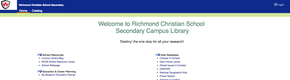
1. Login to Destiny.
Visit the Library homepage at www.scsbc-destiny.ca. Select Richmond Christian Seciondary from the list of schools. Login using your personal Library Account. 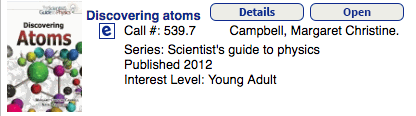
2. Search the Catalog. Click on the Catalog tab and search for your topic or title. eBooks are labelled with an "e". |

3. Read the Book.
Select the eBook you wish to read and press Open to read immediately or Download to read offline. You can take notes, highlight, or use the search feature to help you find relevant info in the book. Book will return automatically after two weeks. |

To read on a mobile device 1. Download and install the Destiny Quest mobile app from the App store or Google Play. 2. Launch the Destiny Quest mobile app. 3. Enter the school's Destiny URL www.scsbc-destiny.ca. 4. Select our school library. 5. Enter your User ID and Password. 6. Search for the eBook you want. |
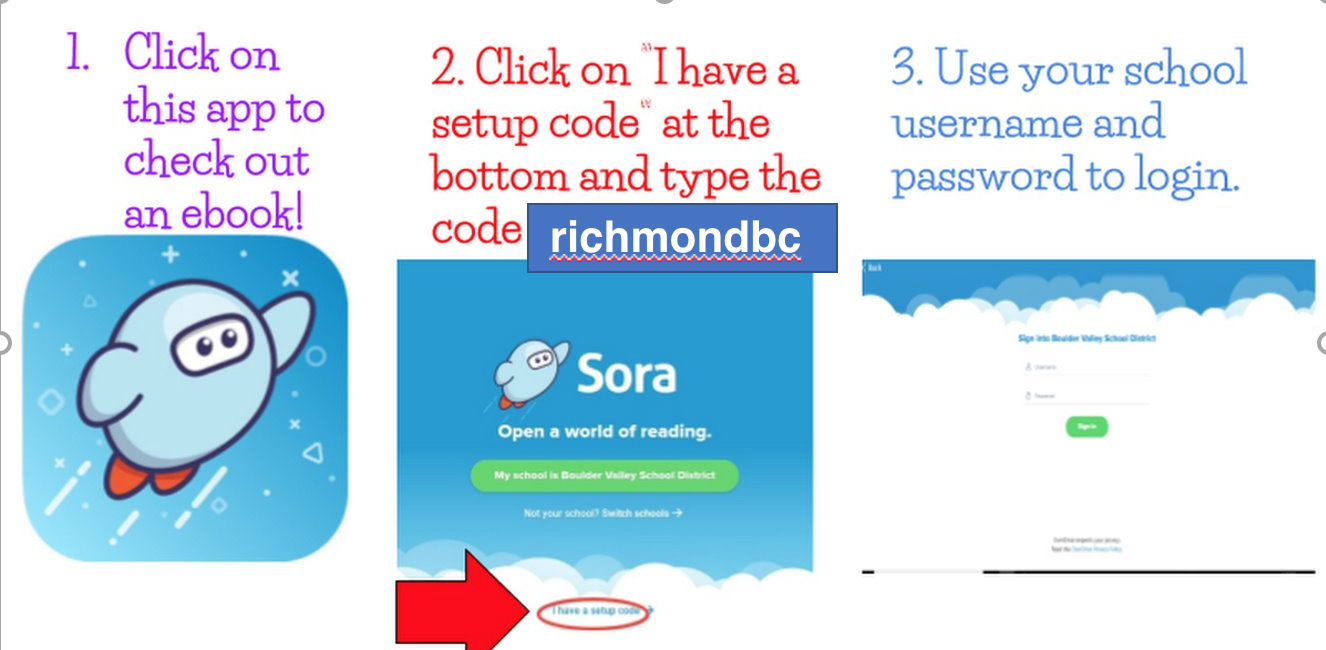
How to Access SORA